Firmware Version Identification

Which Mazda Connect system do you have?

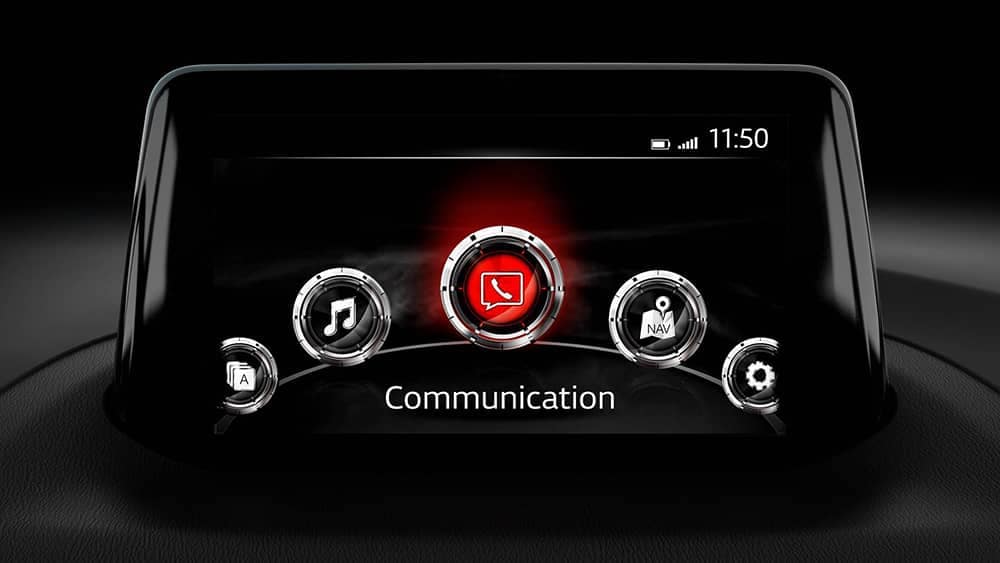
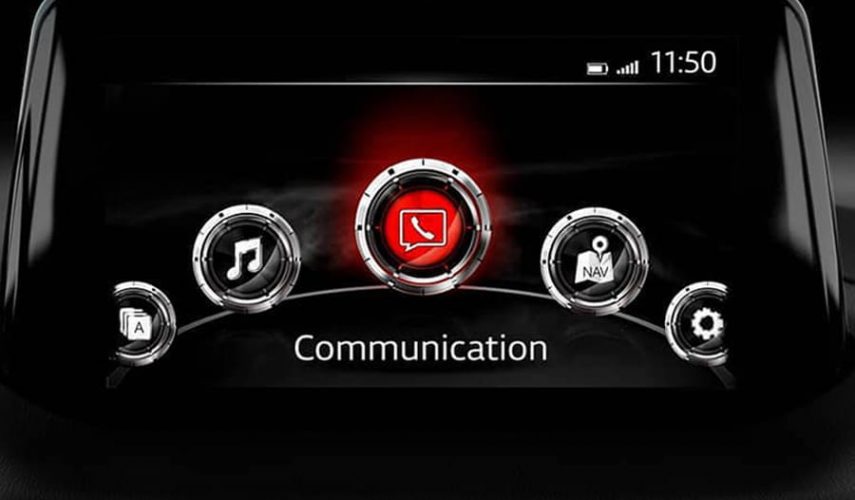
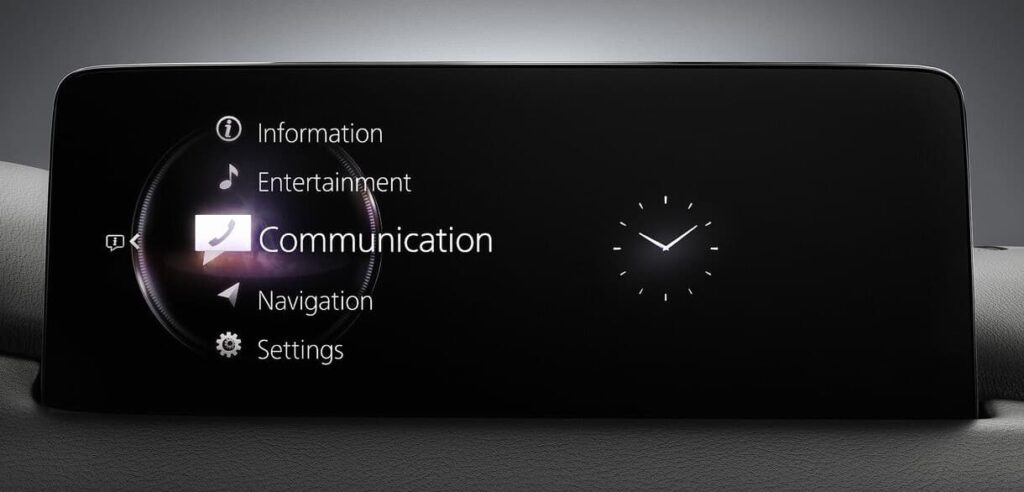
There are two Mazda Connect systems: Mazda Connect and Mazda Connect 2. Distinguishing between them is straightforward. If the main menu looks like this you have Mazda Connect first-generation system. If it appears like this, you have Mazda Connect 2 (second generation): he Mazda Connect first generation system is installed in the following vehicles: Mazda […]

Which Mazda Connect system do you have? Read More »
mazda connect 2 gen 7

How to check Mazda connect 2 (GEN 7) firmware version

How to Access the Full Version Number Screen in Your Mazda for a Successful Firmware Update Start the ignition or turn on ACC with the push-button start (ensure the radio is ON). Press and hold the volume mute button. Simultaneously, press the Music and Favorite buttons for 3-5 seconds until the “Diagnostic Test” SCREEN appears. 

How to check Mazda connect 2 (GEN 7) firmware version Read More »

mazda connect 1

How to check Mazda connect firmware version – connect gen 6

How do I check Mazda firmware version? To Find Version Number and Region….Go to touchscreen red ‘SETTINGS’,Side Scroll to Top Far Right Folder to ‘SYSTEM’,Scroll Down to ‘ABOUT’Touch ‘Version Information’.The Version Numbers are revealed. 4A N (ADR) is for Australia-NZ, Asia (except Japan +China), Middle East, Brazil, Pacific Oceania.EU N is for Europe and UK.NA N is for

How to check Mazda connect firmware version – connect gen 6 Read More »

Shopping Cart