
Product Description:
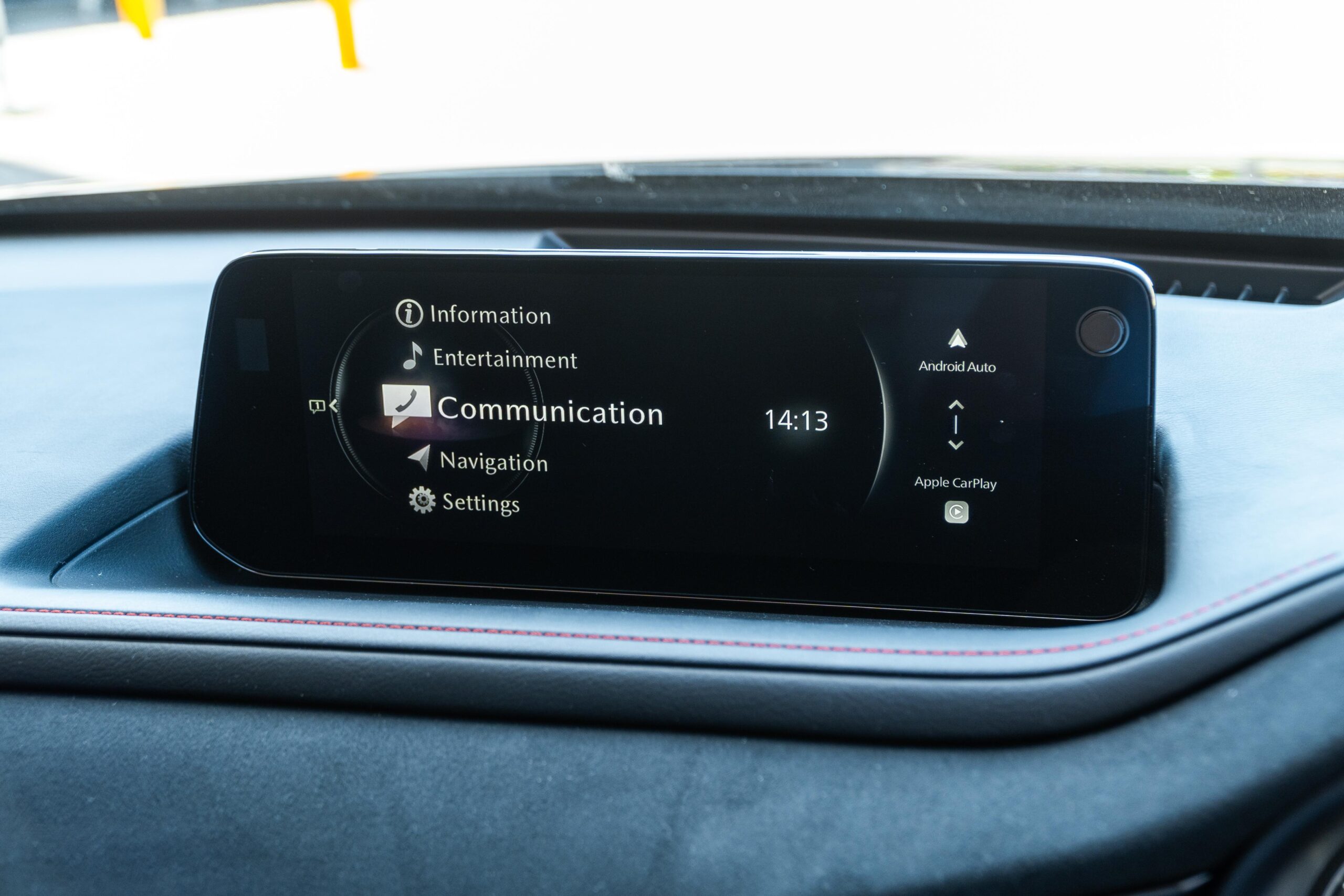
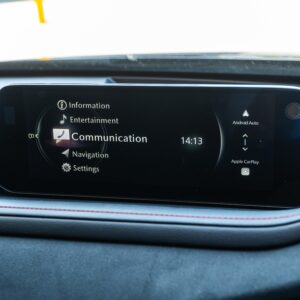
Official firmware update version 10024 for the 7th Generation Mazda Connect 2 system. This update is specifically designed for vehicles equipped with factory-installed navigation in the North American market.
- Vehicle Compatibility: Mazda 3 and Mazda CX-30.
- Model Years: 2024, 2025+.
- Specific Countries: United States (USA), Canada, and Puerto Rico.
- Equipment: Only for models WITH Factory Navigation.
Key Benefits of Version 10024:
- System Stability: Fixes intermittent rebooting and screen freezing issues.
- Enhanced Connectivity: Improves wireless Apple CarPlay and Android Auto connection stability.
- Performance: Faster menu transitions and improved GPS accuracy for the navigation system.
- Bug Fixes: Resolves known issues with the rearview camera and system response times.
What’s Included:
- Firmware File:
CMU_7230C1A-NA10_10024.kwi(Size: 1,424,931 KB). - Comprehensive PDF Installation Guide: A step-by-step manual to ensure a safe and successful update.
Installation Instructions (Required for all versions)
- USB Preparation: Format a high-quality USB drive to FAT32.
- Copy: Transfer only the one specific .kwi file you purchased to the root of the USB drive (do not put it in a folder).
- Vehicle Mode: Start your car and keep it in ‘READY’ mode (System ON) while parked.
- Enter Service Menu: Press and hold the Volume Knob + Music Button + Favorites (Star) Button simultaneously for about 5 seconds.
- Software Update: Select “Software Update” from the hidden menu, insert the USB, and select “Check for Update” and then “Install”.
- Progress: Wait for the “Update Successful” message (20-40 minutes). Do not turn off the vehicle during this time.
- Finalize: Turn the vehicle OFF, open and close the driver’s door, and wait at least 3 minutes before restarting to complete the cycle.
Important Safety and warrenty Notice
Before purchasing, please verify that your current firmware version starts with NA10.
IMPORTANT: This update covers original Mazda systems only. We are not liable for malfunctions in aftermarket accessories (Navigation SD cards, cameras, etc.) installed by local importers. Please consult your local installer for issues related to non-genuine components. For a smooth installation, we recommend disconnecting all devices from USB ports and removing the Navigation SD card during the update process. you can insert it back ONLY after update procedure is complete
Mike ‘Big Bear’ Miller –
The new Update Guides page on the site is a lifesaver. It made it so easy to distinguish between the diffrent models and versions. The step-by-step PDF was clear and easy to follow even for a non-tech guy like me. My car system feels much snappier now.