
Product Overview
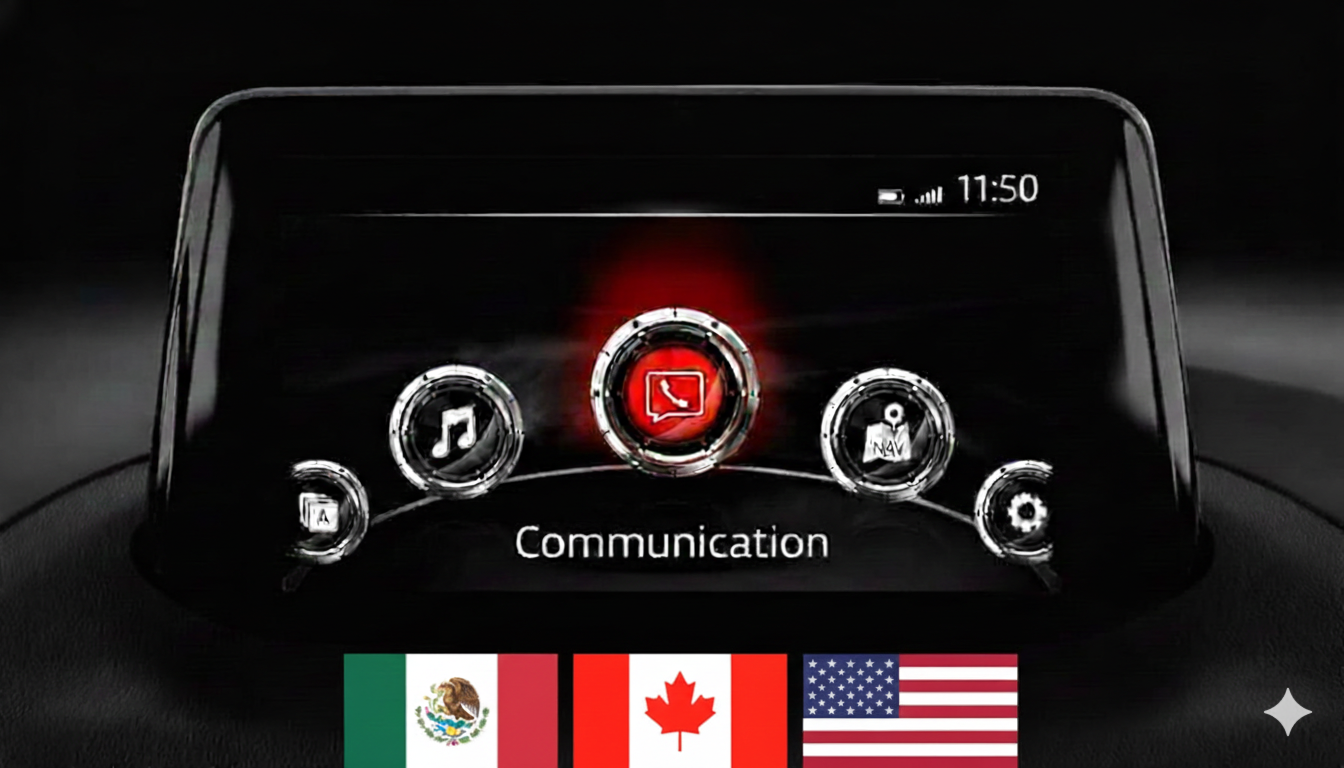
This firmware update (Version 55.00.760A) is a critical intermediate update or reinstallation package for the Mazda Connect 1st Generation system. It is specifically used as a mandatory stepping stone for vehicles with old software versions.
Important: This firmware is only for cars with the main menu layout display with icons in a semi-circle.
Regional Compatibility
Region Code: NA (North America) Supported countries: USA, Canada, Mexico, Puerto Rico.
Applicable Models
- Mazda 3: 2012–2019
- Mazda 2: 2012–2021*
- Mazda 6: 2012–2021**
- CX-3: 2014–2021
- CX-5: 2012–2021**
- CX-9: 2015–2021*
- MX-5 Miata: 2014–2024*
Critical Compatibility Notes:
- Not for Connect 2 System: Not compatible with 10.25-inch (26 cm) displays.
AIO Tweaks Compatibility (Special Note)
Ultimate Version for Customization: Version 55.00.760A is the final and most stable version for the North America region that allows for the easy installation of Mazda AIO Tweaks via USB without requiring a serial connection. If you wish to maintain the ability to install custom scripts, video players, or touch-screen-while-driving patches, do not update beyond this version.
Upgrade Path – Read Carefully
If your current firmware is v30.00.000 or BELOW, you MUST install an earlier intermediate version (like v31.00.100A) FIRST before attempting to update to this version.
This is a TWO-FILE Installation:
- First, install:
cmu150_NA_55.00.760A_failsafe.up - Then, install:
cmu150_NA_55.00.760A_reinstall.up
Installation Requirements
- USB Drive: 4GB to 16GB (Strictly FAT32 formatted). Do not use drives larger than 16GB.
- Time: Approx. 30–50 minutes.
- Power: Ensure a healthy vehicle battery or keep the engine running during installation.
Installation Instructions
Step 1: Preparation
- Format your USB stick to FAT32.
- Copy both .up files directly to the root directory (do not use folders).
- Crucial: Disconnect all devices from USB ports and remove the Navigation SD card before starting.
Step 2: Enter Diagnostic Mode
- Turn vehicle to ACC or ON mode.
- Press and hold: Music Note + Favorites + Mute (Volume) for about 5 seconds.
Step 3: Update Process
- Go to System Update > Search for Update.
- The system will detect the files. Follow the sequence: Install Failsafe first, then Reinstall.
- Warning: Do not power off the vehicle or remove the USB until the process is complete.
What’s Included
- Firmware Files: Both Failsafe and Reinstall files for v55.00.760A.
- Step-by-Step PDF Guide: A comprehensive manual is attached to the update files for your convenience.
Disclaimer: This update covers original Mazda systems only. We are not liable for malfunctions in aftermarket accessories or non-genuine components.
Reviews
There are no reviews yet.