
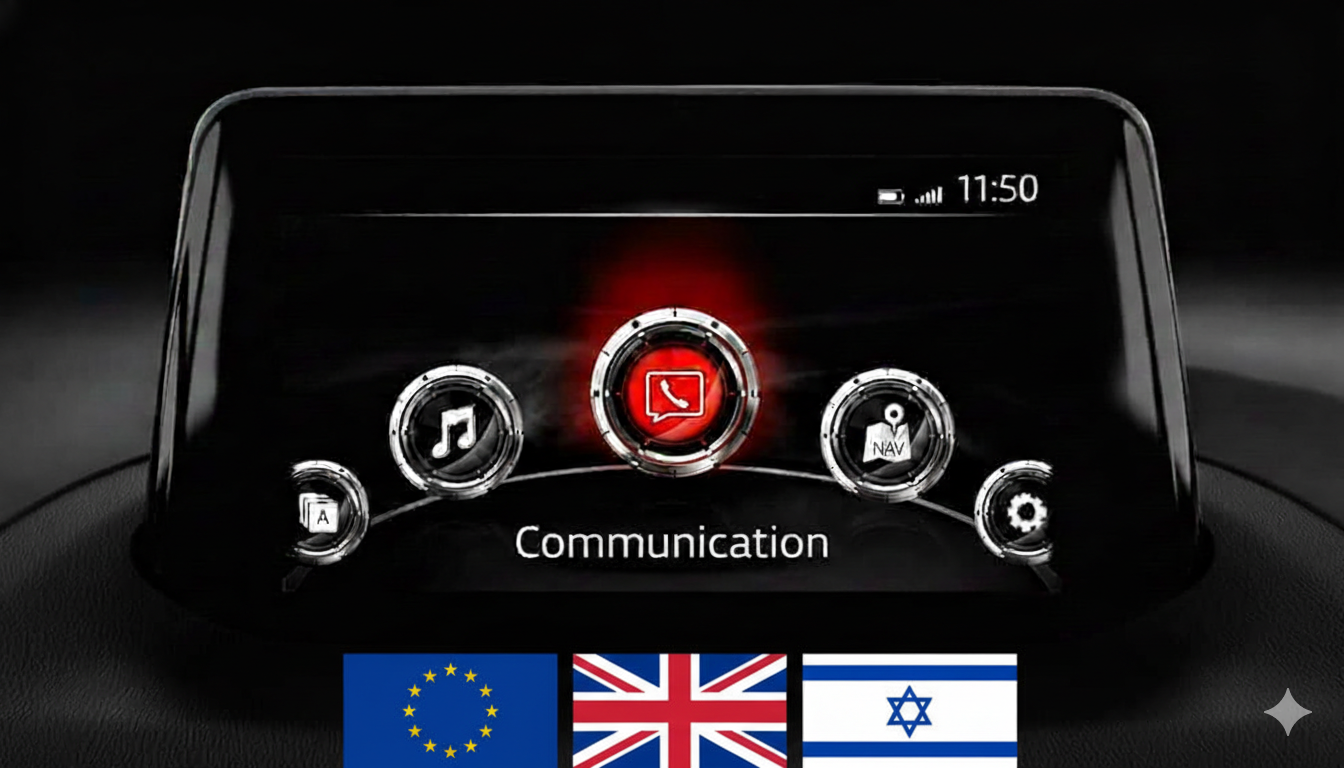
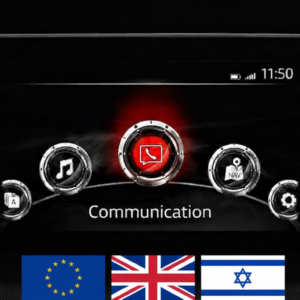
Mazda Connect 1 Firmware Update v70.00.100A EU (Europe, UK, Israel, 2014-2021)
Product Overview
This is a critical intermediate (bridge) firmware version (70.00.100A) for the Mazda Connect 1st Generation system. According to Mazda’s official instructions, this version is a recommended step when updating from older versions (v56 or v59) to the latest v70 or v74 series.
Important: This is the last firmware version that includes a Failsafe file. Subsequent updates (v70.00.3xx and v74.xxx) consist of a single file without a separate Failsafe.
🌍 Regional Compatibility
Region Code: EU (Europe) Supported countries include: Albania, Andorra, Austria, Belarus, Belgium, Bosnia & Herzegovina, Bulgaria, Croatia, Czech Republic, Denmark, Estonia, Finland, France, Germany, Gibraltar, Greece, Hungary, Ireland, Israel, Italy, Kazakhstan, Kosovo, Latvia, Liechtenstein, Lithuania, Luxembourg, Macedonia, Malta, Moldova, Monaco, Montenegro, Netherlands, Norway, Portugal, Poland, Romania, Russia, San Marino, Serbia, Slovakia, Slovenia, Spain, Sweden, Switzerland, Turkey, Ukraine, United Kingdom, Vatican City.
🚗 Applicable Models
-
Mazda 2: 2016–2021
-
Mazda 3: 2014–2018
-
Mazda 6: 2015–2021
-
Mazda MX-5 Miata: 2016–2021
-
CX-3: 2014–2021
-
CX-5: 2015–2021
-
CX-9: 2015–2021
Note: Not compatible with Mazda Connect System 2 (10.25″ / 26cm displays). Only for 1st Gen systems (icons in a semi-circle).
🛠️ Bug Fixes & Key Improvements
Version 70.00.100A improves several symptoms depending on your current version:
-
Visual Fixes: Resolves “white stains” in the status bar on the Home screen.
-
CarPlay™ Improvements: Updated brand icon on the CarPlay screen.
-
UI Enhancements: Improved font and location for i-stop, i-ELOOP, and Fuel Economy Monitor data.
-
SiriusXM Fix: Corrects greyed-out direction letters on Fuel Prices and Parking screens.
-
Gracenote: Includes the latest music metadata database (as of November 30, 2025).
✅ Upgrade Path – Read Carefully
Two-Step Update Required (Mandatory): If your current firmware is on or below v56.00.000 EU (e.g., 31.00.100, 41.00.000), you MUST install this version (70.00.100A) first.
-
This is a TWO (2) FILE installation:
-
First install:
70.00.100A-FAILSAFE.UP -
Then install:
70.00.100A-REINSTALL.UP(one after the other without removing the USB).
-
When is this version NOT needed? You can skip this intermediate step and go straight to v74.00.324A if your current version is v56.00.100 or newer (e.g., 56.00.200, 56.00.650, 58.00.240, 59.00.100, 59.00.342A or 70.00.021).
📥 Installation Requirements
-
USB Drive: 4GB to 16GB (Strictly FAT32 formatted).
-
Time: Approximately 15–30 minutes.
-
Instant Access: Digital product – download link available immediately after payment.
🛠️ Installation Instructions
Step 1: Preparation
-
Format your USB stick to FAT32.
-
Copy both .up files (Failsafe and Reinstall) to the root directory.
-
Crucial: Disconnect all USB devices and remove the Navigation SD card before starting. Re-insert it only after the entire update is complete.
Step 2: Enter Diagnostic Mode
-
Turn vehicle to ACC or ON mode (Ensure stable battery or keep engine running).
-
Press and hold: Music Note + Favorites + Mute (Volume) for 5 seconds.
-
Navigate to: System Update > Search for Update.
Step 3: Update Process
-
Detect the files and install the Failsafe file first.
-
Immediately follow with the Reinstall file.
-
Warning: Do not power off the car or remove the USB until the process is complete.
Disclaimer: This update covers original Mazda systems only. We are not liable for malfunctions in aftermarket accessories or non-genuine components.
Reviews
There are no reviews yet.