
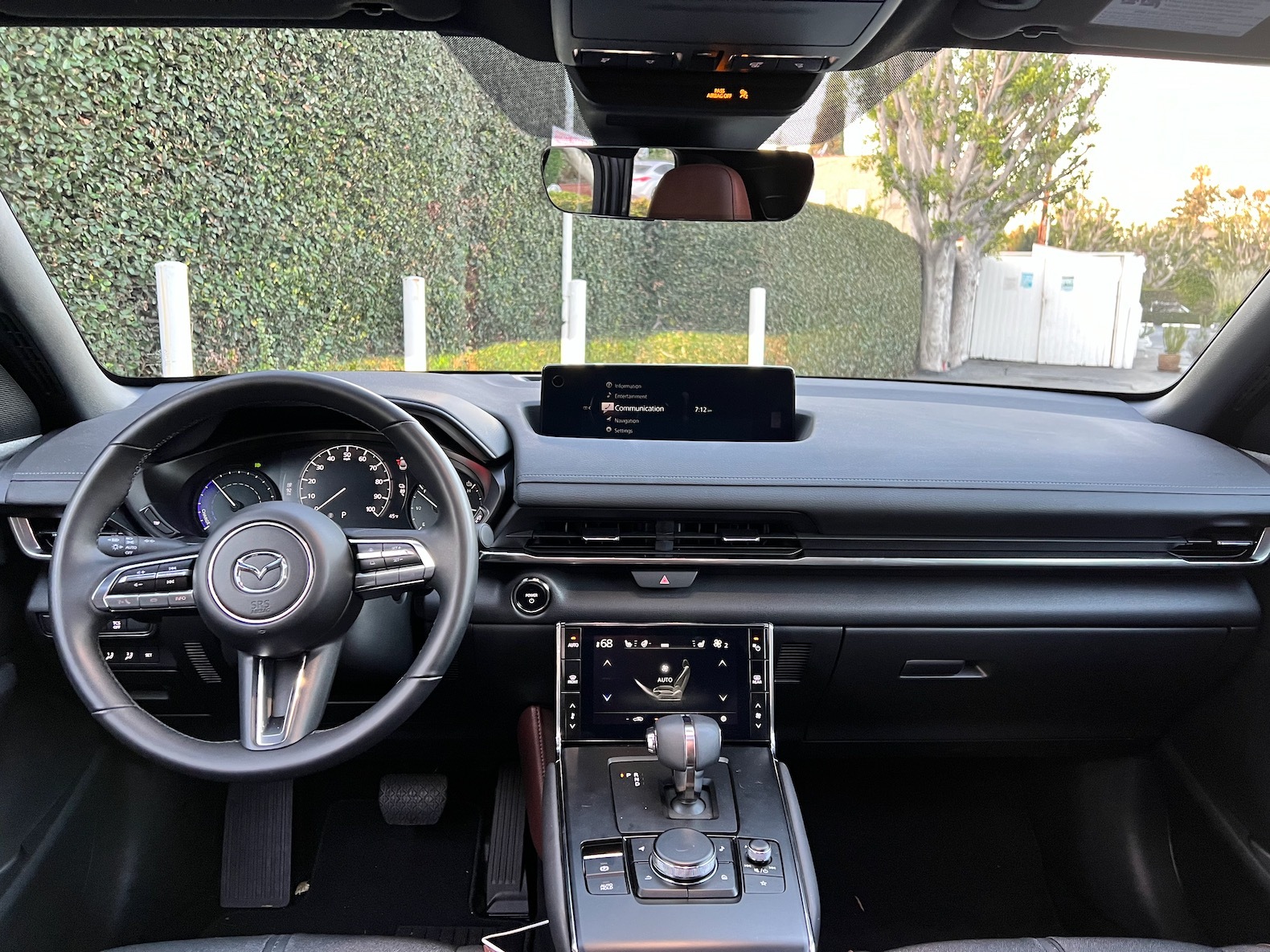
✅ Official Firmware Update for Mazda Connect 2 Infotainment System
File Name: CMU_7000C0A-NA02_11046.kwi
Region Code: NA02 (USA, Canada, Mexico, Puerto Rico)
Compatible Vehicle:
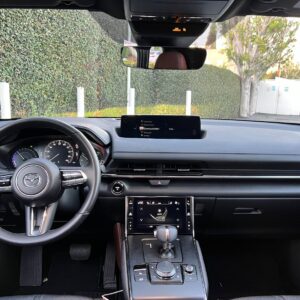
- Mazda MX-30 with Mazda Connect 2 system
- Model Year: 2022
- Market: United States, Canada, Mexico only
⚠️ Not compatible with vehicles from Europe, Japan, Australia, or other global markets. Installing firmware for the wrong region may damage your CMU system.
📦 What’s Included:
- Original
.kwifirmware file:CMU_7000C0A-NA02_11046.kwi - A step by step installation PDF guide.
🧰 Installation Instructions:
- Prepare a USB drive (FAT32 format)
- Copy the
.kwifile to the root directory of the USB (no folders) - Turn ignition ON (accessory mode is enough) – To Turn the ignition switch to ACC mode with the push button start while depressing the brake pedal, push the power switch to turn the power ON (READY ON).
- Insert USB into one of the vehicle’s USB ports
- Wait ~30–60 seconds – the update should begin automatically
- Follow the on-screen prompts until the update is complete
- The CMU will restart automatically – do not interrupt the process
- IMPORTANT: This update covers original Mazda systems only. We are not liable for malfunctions in aftermarket accessories (Navigation SD cards, cameras, etc.) installed by local importers. Please consult your local installer for issues related to non-genuine components. For a smooth installation, we recommend disconnecting all devices from USB ports and removing the Navigation SD card during the update process. you can insert it back ONLY after update procedure is complete.
⏱ Update Duration: approx. 30 minutes
🔋 Battery Note: Ensure the vehicle battery is charged or keep the engine running
⚙️ Technical Information:
- File size: ~1,050 MB
- Fixes known system issues and improves overall performance
- Enhances compatibility with Android Auto and Apple CarPlay (where hardware is present)
- Signed and verified firmware from official Mazda sources
Reviews
There are no reviews yet.